Notion
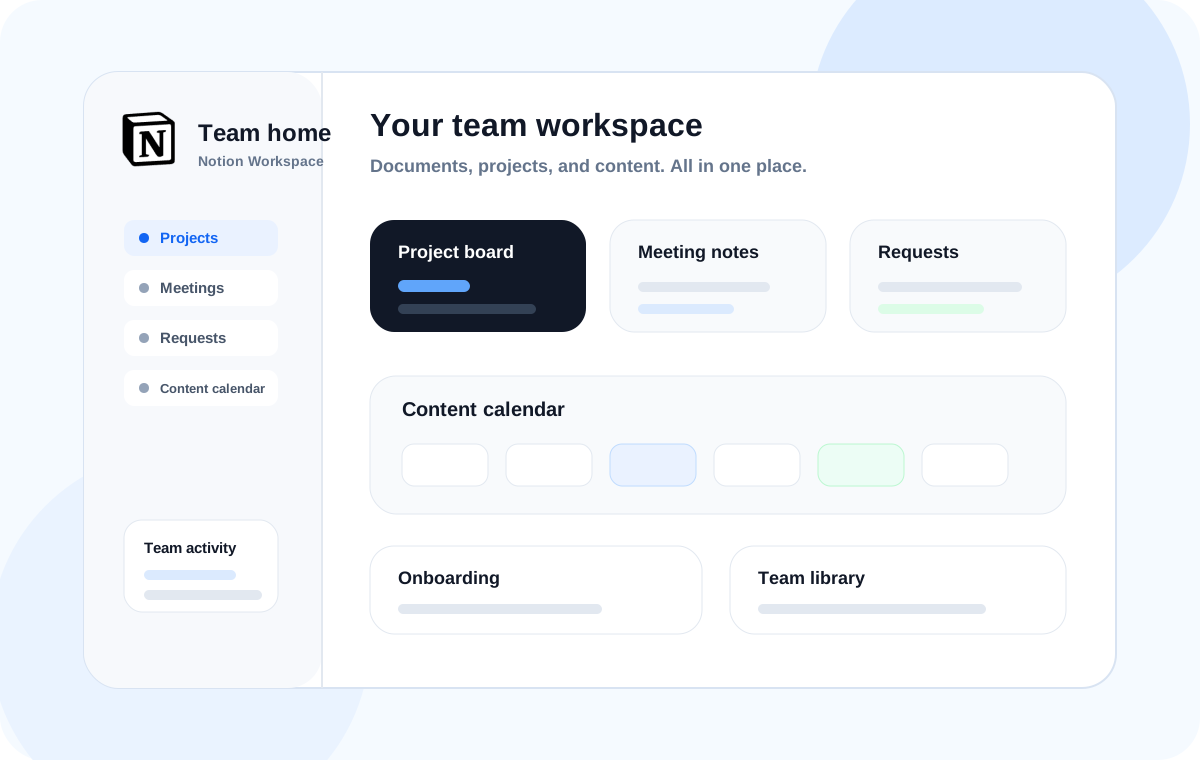
Bring documents, shared knowledge, project boards, and content calendars into one team workspace.
Notion · Slack · Google Workspace
Bring documents, meetings, projects, and content calendars into a Notion workspace your whole team can use.
Leave with a team home, project board, meeting notes database, and content calendar.
Connect Notion with Slack and Google Workspace to keep your team’s work moving.
Bring documents, shared knowledge, project boards, and content calendars into one team workspace.
Create clear channels and communication habits so important messages reach the right people.
Organize shared files, collaborative documents, and access permissions across Drive, Docs, and Sheets.
Build a useful workspace together, with clear guidelines to help your team put it to work.
We start by reviewing how your team works today.
We start by reviewing how your team works today.
We start by reviewing how your team works today.
01
Review how your team handles documents, tasks, and communication to identify what belongs in Notion.
02
Plan your team home, pages, databases, permissions, and working guidelines around real needs.
03
Learn by creating your own workspace, project boards, meeting notes, and document library.
04
Leave with templates, usage guidelines, and a checklist to keep improving your workspace.
Every module focuses on something you can build and use.
Design your team home, page hierarchy, and database relationships.
Make meeting notes, resources, guides, and references easy to find.
Build a board to track requests, owners, status, deadlines, and priorities.
Connect content ideas, production status, publishing dates, and results.
Help new teammates find key documents and understand how your team works.
Use AI to summarize documents, organize meeting notes, draft content, and extract action items.
Leave with a set of practical tools built around your team’s needs.
Choose a short introduction, a hands-on workshop, or a custom program for your team.

An approximately two-hour introduction to team collaboration in Notion, with real-world examples.

Build a team workspace and project board in a half- or full-day session.

Over 2–4 weeks, assess your team’s needs, build the workspace, gather feedback, and put it into use.
LET’S WORK TOGETHER